Update 0.4.5: Steam Frame, Meta Quest and our own VR MMO
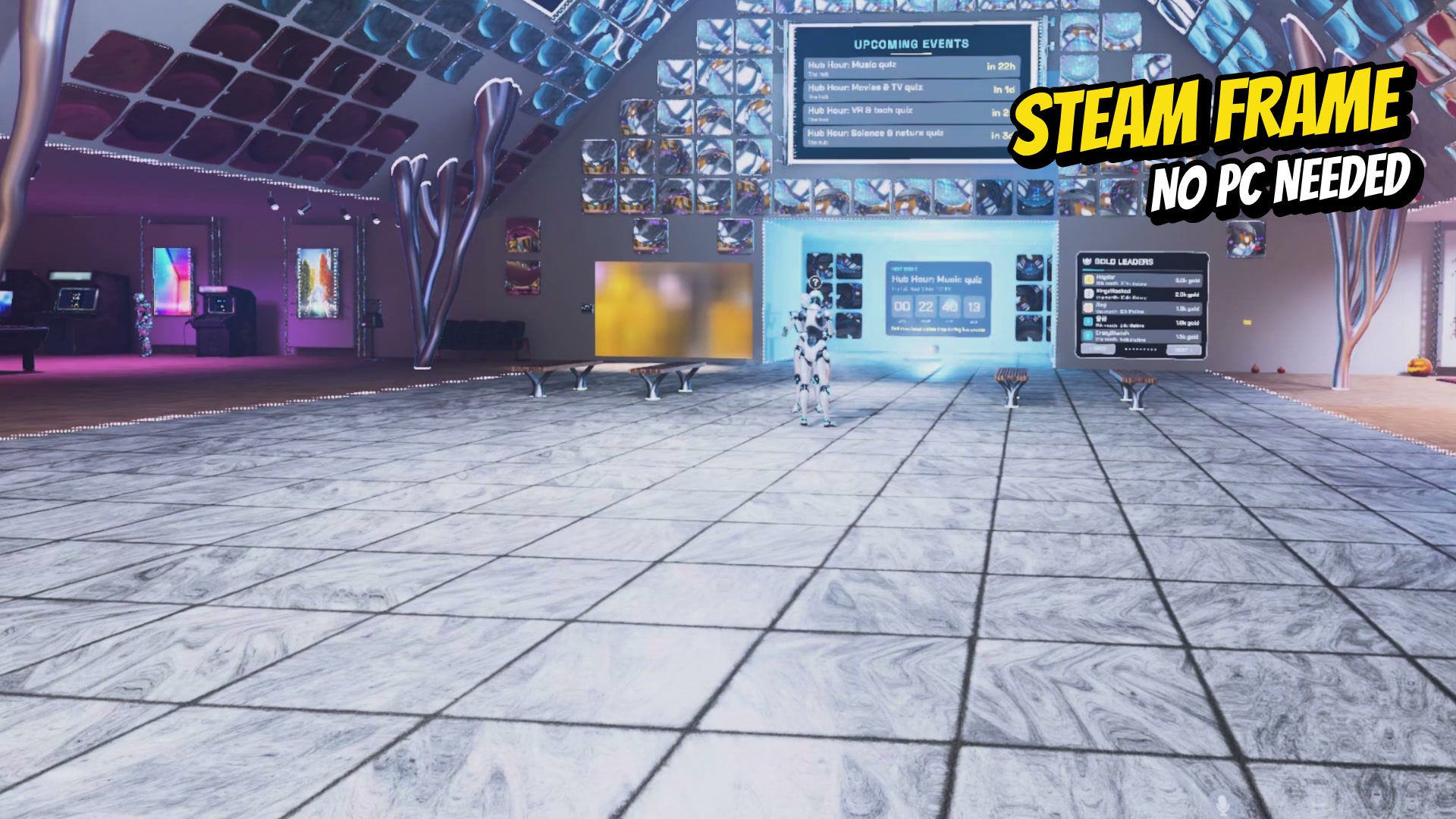
Version 0.4.5 is the biggest update we have made. VR Realms now runs on its own on the Steam Frame, Meta Quest players can play through SideQuest with their Steam account, and our own VR MMO is here.

[embedded content]

Play VR Realms free on Steam · Meta Quest on SideQuest · Discord

Steam Frame, no PC needed

VR Realms 0.4.5

  • VR Realms runs on the Steam Frame all on its own.
  • Your home, the live hub and your friends, all on the headset.
  • Steam Frame controllers get their own button layout.
  • Sharper text and menus inside the headset.
  • Mirrors look right in both eyes.
  • The headset no longer goes to sleep while you play.
  • Workshop items made for the Frame load there; others say they are not on the Frame yet.
  • Still in progress: voice chat and a faster hub.

Meta Quest on SideQuest

VR Realms 0.4.5

  • Get VR Realms for Meta Quest from our SideQuest page.
  • Sign in with your Steam account by a code on vr-realms.com: your name and picture come with you.
  • Workshop avatars and worlds made for Quest, with a download bar.
  • The camera works: take photos and share them.
  • Play built worlds whose builders allow Quest.
  • Still in progress: voice chat and the hub.

Fantasy Realm, our own MMO

VR Realms 0.4.5

  • Press Explore level on the Start here page and you are in.
  • Real VR swords that hit as hard as you swing.
  • Draw a bow for real, cast spells from a staff.
  • 51 quests, dungeons, horses and a sky dragon.
  • Monsters that hide in plain sight, then chase you.
  • Cut grass, weeds and pumpkins with your blade.
  • In VR: skills on your wrist and a hero screen beside you. On desktop: mouse and keys.
  • Pick up, carry and drop loot with your hands.
  • A compass and quest marks show you the way.
  • Five new dares take you through your first visit.
  • Nothing for sale makes anyone stronger.
  • Still early: tell us what breaks.

VR Realms 0.4.5

Build your world

VR Realms 0.4.5

  • In a headset the build menu is a tablet you grab. It stays where you leave it and comes back in front of you when you walk away.
  • New pages: VR Realms, Community, My stuff, Publish, and a Help page with every button.
  • 151 furniture pieces on the VR Realms page, 10 to 60 gold a piece.
  • Import your own FBX models from a list, in VR too, with a box that shows progress and why a file failed.
  • Share a model with everyone from My stuff. The new Community page shows what other players shared; every model is checked before it goes public, and you can report one.
  • Desktop hotbar: keys 1 to 6 pick walls, floors and ramps; click to place, right click to remove, R turns, Z undoes, T copies.
  • Walls and floors snap to a grid by themselves; stack them or keep a wall going.
  • Publish your world with a picture and Workshop tags, and pick who builds: only you, your friends or everyone.
  • A world budget bar keeps your build running smooth.

A new VR keyboard

VR Realms 0.4.5

  • Upright, compact and close to you.
  • Grab it by its sides and put it where you like.
  • A cursor in the text bar: press the text to place it, two arrow keys move it.

For creators

  • The Creator Kit builds a Steam Frame copy of your item, and makes Quest copies of all your items with one button.
  • Lua scripts can do far more: sounds, effects, projectiles, spawning, the player’s hands and more, with live reload.
  • The Lua window is a real code editor: line numbers, find, go to line and suggestions; open a script in VS Code, Notepad++ or Visual Studio and your saves come right back.
  • A Creator Tools page in the menu when you test a map: tune a grip with buttons in VR or on desktop, then Bake and paste it in the kit.
  • Attach a held item to a hand, a controller or a bone.

Start here, worlds and the hub

  • Start here has a new look with a What’s new card and a slim tutorial row.
  • Go Home is on the side bar, one click back home.
  • One row to start a session: Public, Open a portal or Private.
  • Player built worlds show live sessions to join.
  • Delete a downloaded world or avatar to free up room.
  • World portals have a new, clear 360 view, and open by click or trigger.
  • Group banners keep their transparent parts.

VR body, mirrors and camera

  • Your hand sits right on a gun’s grip.
  • Keep my size and arms: your fit is saved per avatar.
  • Early body turn: your body follows you sooner.
  • Mirrors look right in each eye on PC headsets too, start light and sharpen as your frames hold.
  • VR camera Fly: the tablet stays, a small drone flies.

Fixes

  • Cars stay put when you press grip in or beside one, and the drive controls show when you take the wheel.
  • The menu no longer crashes after a world change.
  • The menu opens without a hitch: it is ready ahead.
  • Avatar files load from a backup folder if blocked.
  • No more building in the starter home, and clearing every piece clears your saved build.
  • The B key opens the builder only in Build your world.
  • Groups have a back arrow and a header picture.
  • 243 new texts translated into every language.

In case you missed 0.4.4

The hub grew a new round wing with portals to the most played worlds, three new arcade games, Group of the Week with a gold TOP GROUP tag, group banners and meet ups in the hub, and the first version of Build your world.

VR Realms updates by itself in Steam. Quest players: update from our SideQuest page. Every change is also on the patch notes board in your home and on our website.

See you at the Saturday Hangout, every Saturday at 3 PM Pacific in the hub. Join our Discord!

Leave a Reply