Fate of the Galaxy Version 2.x is Released!
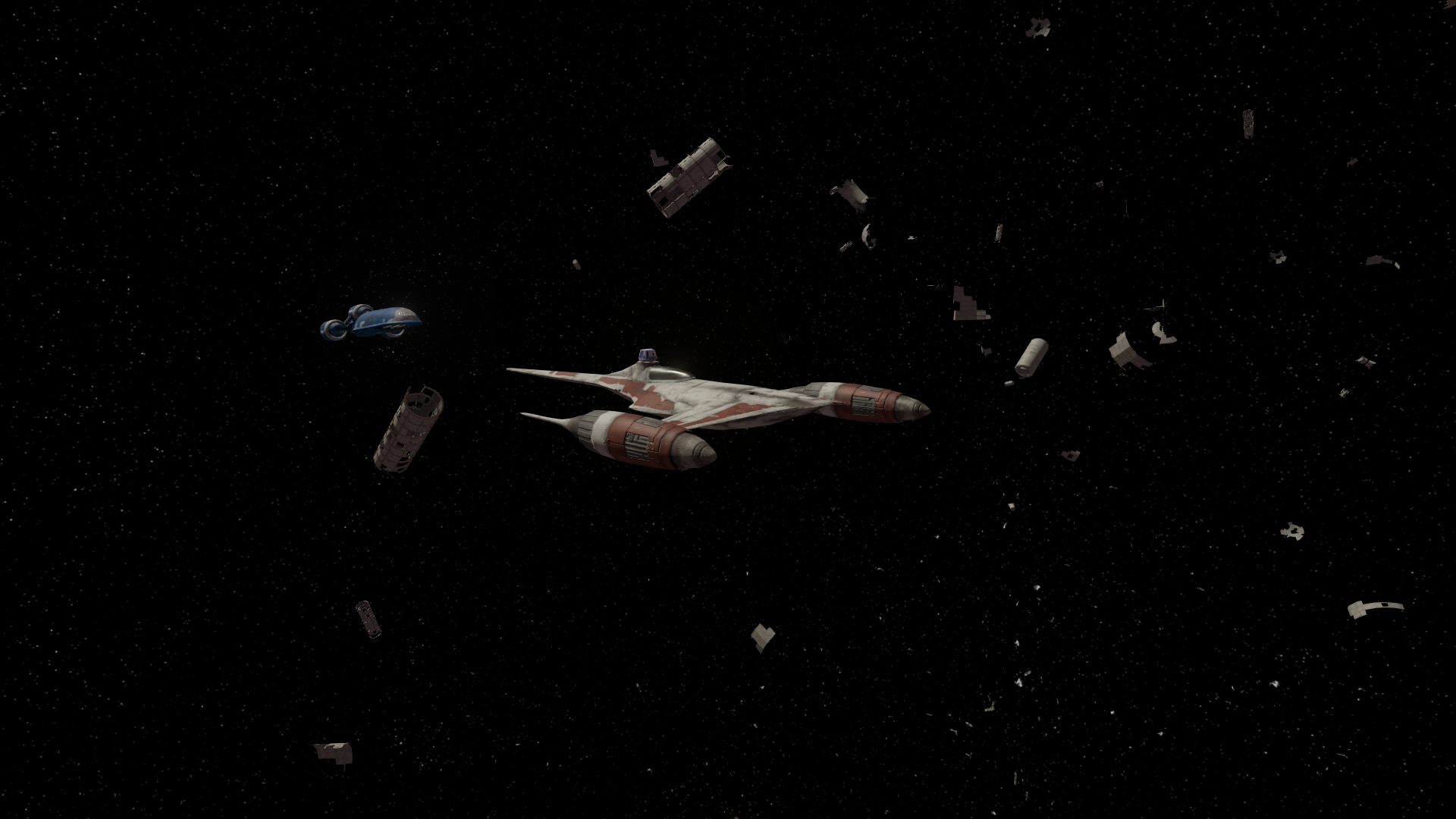
This update marks the release of Fate of the Galaxy 2.x, which updates the FreeSpace Open engine version and allows players to bind any controller or input to any in-game control (before this update inputs like triggers or sticks were limited to only axis controls). Please note, that updating the control code requires players to reset their devices in the Options Menu. Because of this change we created this separate 2.x version. We highly value stability, thus we chose to not push this new version as just another update within the Launcher (otherwise the thousands of players who have downloaded version 1.x and clicked the ‘Update’ button would have had their input device list cleared). This decision for a separate version allows existing players on 1.x to continue playing on that version as long as they want without interruption while providing the ability to manually download and install Fate of the Galaxy 2.x when they are ready. Also note, when you do update to version 2.x, you can also manually copy over your game save and control files if you want (that way you can pick up where you left off, with instructions on how to do this in the download instructions for each download). We very much appreciate all your patience and understanding with this new update!
For Windows users, we are also adding better modding support for Windows (Linux and Mac users already allowed this). This Windows version adds a ‘Play’ tab for the Windows Launcher, which provides a blank MyMod template. This template allows you to add custom missions and mods to the folder and play them using Fate of the Galaxy as a dependency. In other words, this MyMod template gives you a place to keep your custom files totally separate from the main Fate of the Galaxy files, which means future Fate of the Galaxy updates will not accidentally overwrite your custom files saved here. Note, Linux and Mac users can also use this MyMod approach, though it requires downloading and unzipping this folder manually (download this file, then unzip and place the folder into your <Knossos Library folder>/FotG_2/ folder).
To download, go to the downloads page, click the link for your system (Windows, Linux, or Mac), then follow the instructions on that page. If you are already using the full Knossos Launcher you can also install this new version from the Explore Tab in Knossos. Note, Fate of the Galaxy 2.x does not require any previous versions.
It’s been two weeks since we publicly launched Fate of the Galaxy and we are so thrilled and thankful for the wonderful community response! It has been so fantastic hearing how folks are enjoying the gameplay, and it’s so wild that we have over 50 thousand downloads and over 500 thousand views on our release trailer! Moreover, we are so thankful for such an amazing and friendly community! Seeing folks share tips, help each other with questions, and create custom side missions, and more is so great. You all are awesome!
May the Force be with you!

