Crybble Wars now runs in your browser
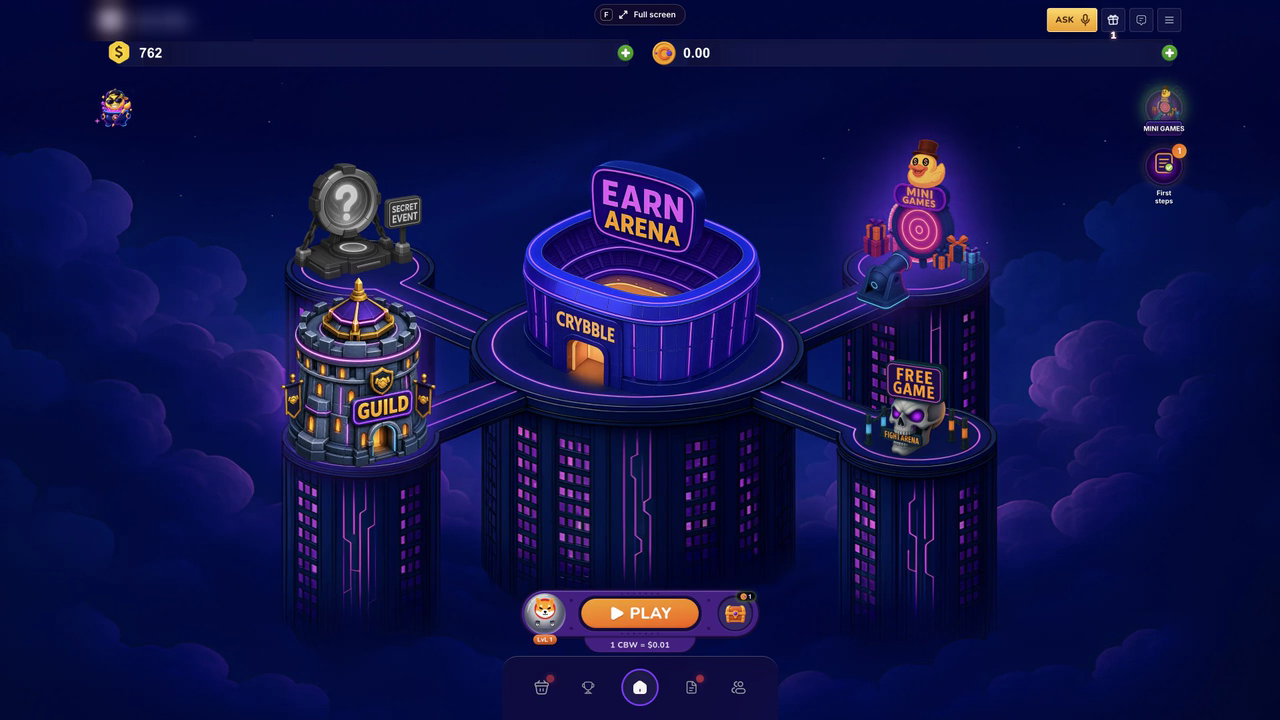
Until this year Crybble Wars lived inside Telegram. Now it opens in any browser at crybble.com/play, on desktop and on phones, with no download.
Open the page and you’re in a free match in a few seconds. No sign-up needed to try the arena, the tutorial and the settings. Sign-up only comes up when you want the modes that need an account.

On a phone you play with an on-screen joystick.

The game checks your graphics chip when it starts and picks a resolution that holds a steady frame rate. If the phone heats up, it lowers the resolution a little, but never below a set floor, so the arena doesn’t turn blurry.
English, Spanish, Ukrainian, Vietnamese, Indonesian, Persian, Arabic and Russian.
We’re working on the first two minutes for new players. A browser visitor has nobody to explain the game to them, so the tutorial has to do it alone. If something on your device lags or confuses you, write in the comments and name your device.
Free to play. Paid arenas are optional and 18+.